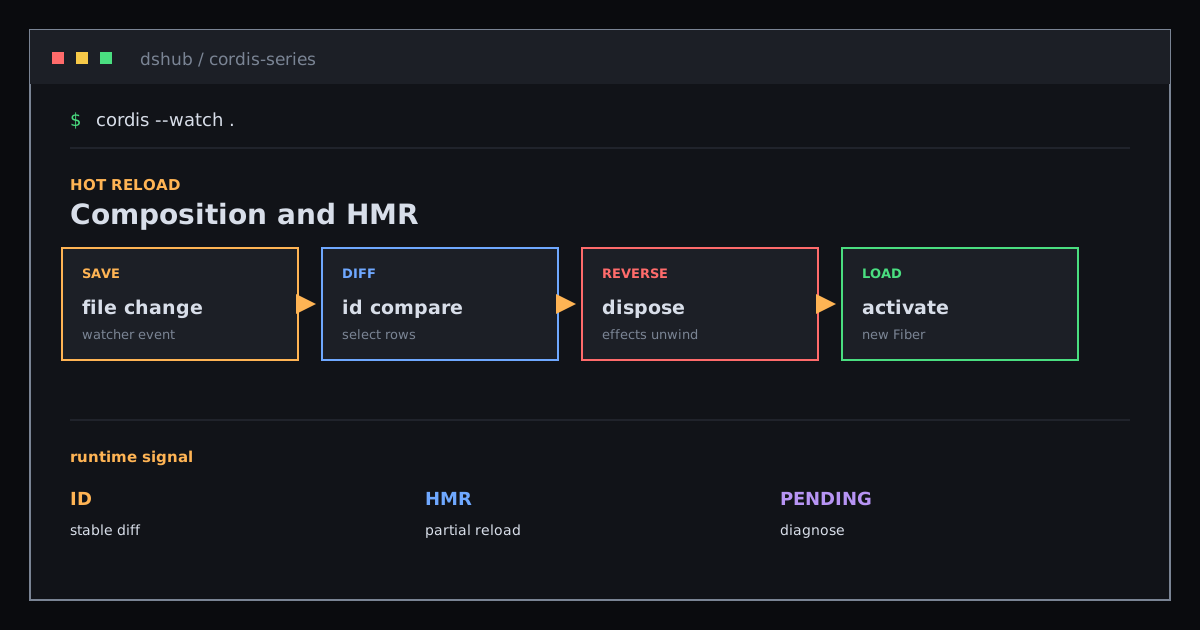
Composition and HMR: Import New Code, Dispose the Old Fiber, Then Activate
Understand stable ids, configuration groups, and Cordis HMR’s unload-reload cycle, including how to diagnose plugins stuck in PENDING.
The real HMR flow: save the file → import the replacement module → unload the old plugin and reverse its effects → register the replacement → activate it once dependencies are ready.
If HMR means only “import the file again”, the most important step is missing: the old instance must first lose its runtime side effects.
01 / Configuration entries are comparable runtime nodes
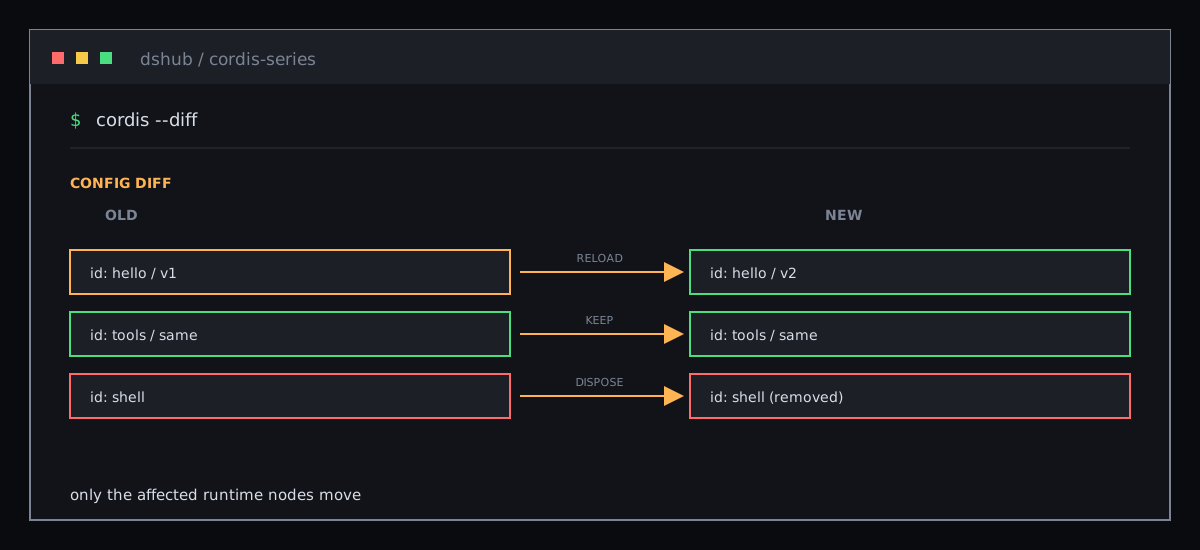
Give entries stable identities:
- id: logger
  name: '@deepseek-ai/cordis-plugin-logger-console'
- id: timer
  name: '@deepseek-ai/cordis-plugin-timer'
- id: hmr
  name: '@deepseek-ai/cordis-plugin-hmr'
  config:
    root: ['.']
- id: hello
  name: './hello.ts'
id lets Loader distinguish retained, unloaded, and reconfigured rows after cordis.yml changes. Without it, a row can receive a new identity on every read and look like “remove, then add”.
group loads and unloads nested entries as one unit, while isolate gives a group independent service instances.
This HMR example also depends on the timer service and Node loader internals. It is server-side Node HMR, not the browser-side client-plugin HMR path.
02 / HMR imports the replacement before unloading the old instance
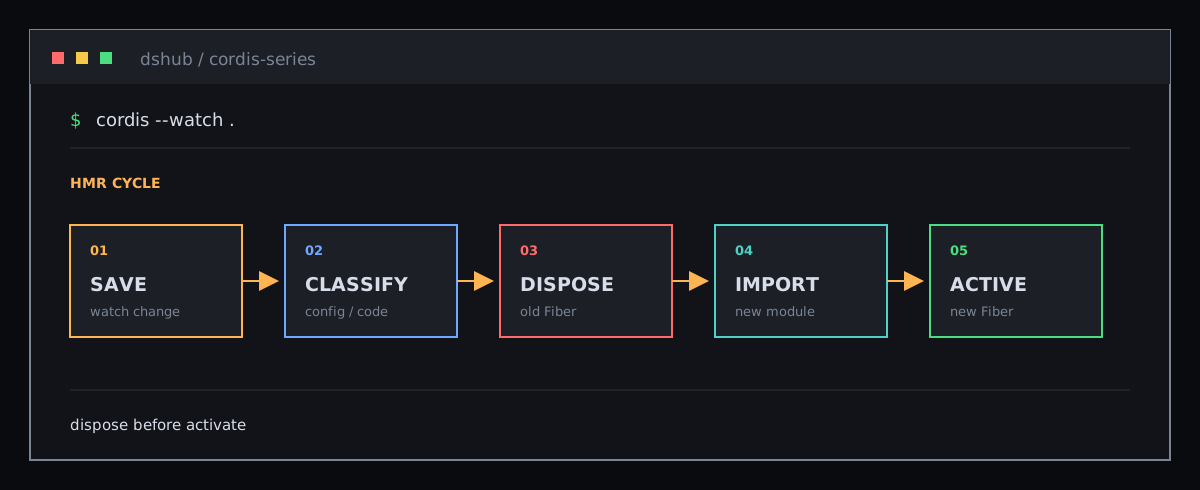
@deepseek-ai/cordis-plugin-hmr watches file changes:
- After a save, HMR classifies the change as configuration, plugin code, or an external file.
- For a plugin-code change, HMR imports the replacement module first.
- The old runtime is unloaded and all effects are reversed.
- The replacement module is then registered and
applyruns. - If its services are not ready, the new Fiber remains
PENDINGinstead of half-starting.
External or framework files are not single-plugin reload units; those changes make Loader exit so the host can restart.
Editing hello.ts can therefore stop the old output and produce the new one; editing the configuration lets Loader update rows by id.
03 / Why HMR can appear to do nothing
Separate two cases:
- A misspelled path or package name is a resolution problem. Check
nameand logs first. - A missing provider is a valid
PENDINGstate. The plugin produces no output and does not throw.
Inspect pending Fibers through the registry:
import { FiberState } from '@deepseek-ai/cordis'

for (const runtime of ctx.registry.values()) {
  for (const fiber of runtime.fibers) {
    if (fiber.state === FiberState.PENDING) {
      console.log(fiber.name + ' is PENDING')
    }
  }
}
04 / HMR’s safety boundary
HMR can reliably reverse resources that are registered as effects. Cordis manages event listeners, service registrations, and child plugins; custom timers, connections, and watchers must return disposers from ctx.effect().
If a resource escapes the Fiber, repeated saves can leave duplicate listeners or stale connections. “HMR-safe” first means clear ownership, and only then a watcher that detects the file.
05 / Why DSH puts HMR in the base composition
The dsh-base configuration includes timer and HMR plugins. Profiles add model, tool, session, and Agent capabilities on top. Editing a plugin can reuse the same unload-reload semantics instead of requiring a refresh implementation per capability.
The headless and web overlays disable server HMR. Browser-side client-plugin HMR is a separate path, so its behavior cannot be inferred from this Node watcher.
Where to go next
Sources: composition and HMR tutorial, HMR plugin, and dsh-base composition.
More Posts
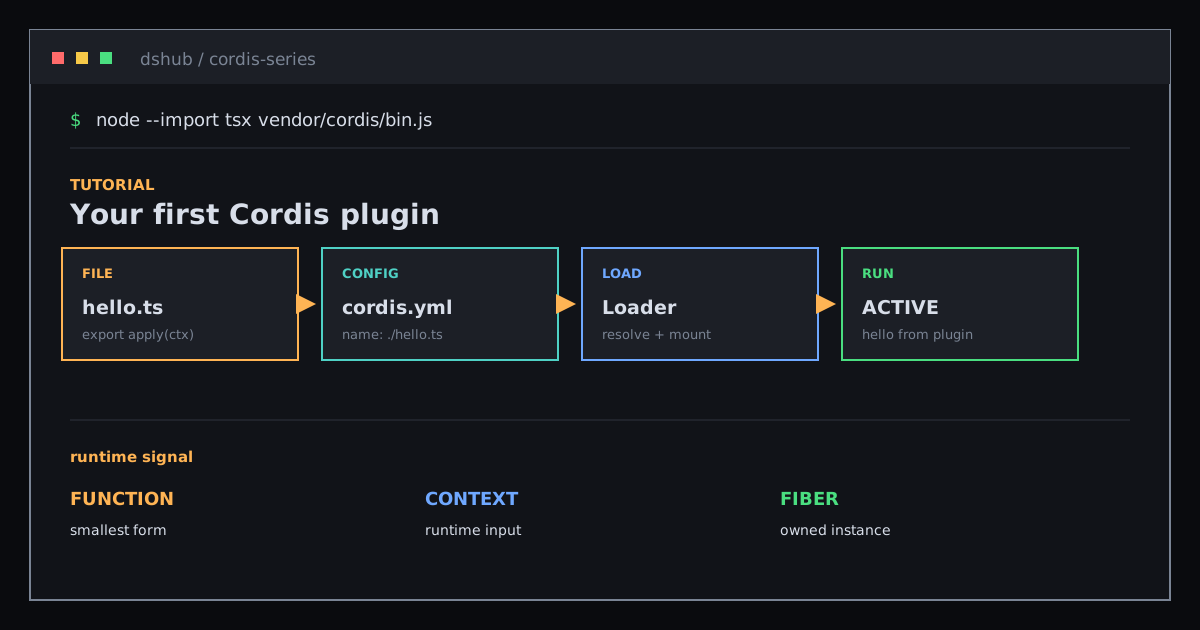
Hands-on: Write Your First Cordis Plugin with hello.ts
Run the shortest path from a function plugin and cordis.yml through Loader, Context, and Fiber.

Lifecycle and Effects: Make Cordis Registrations Reversible
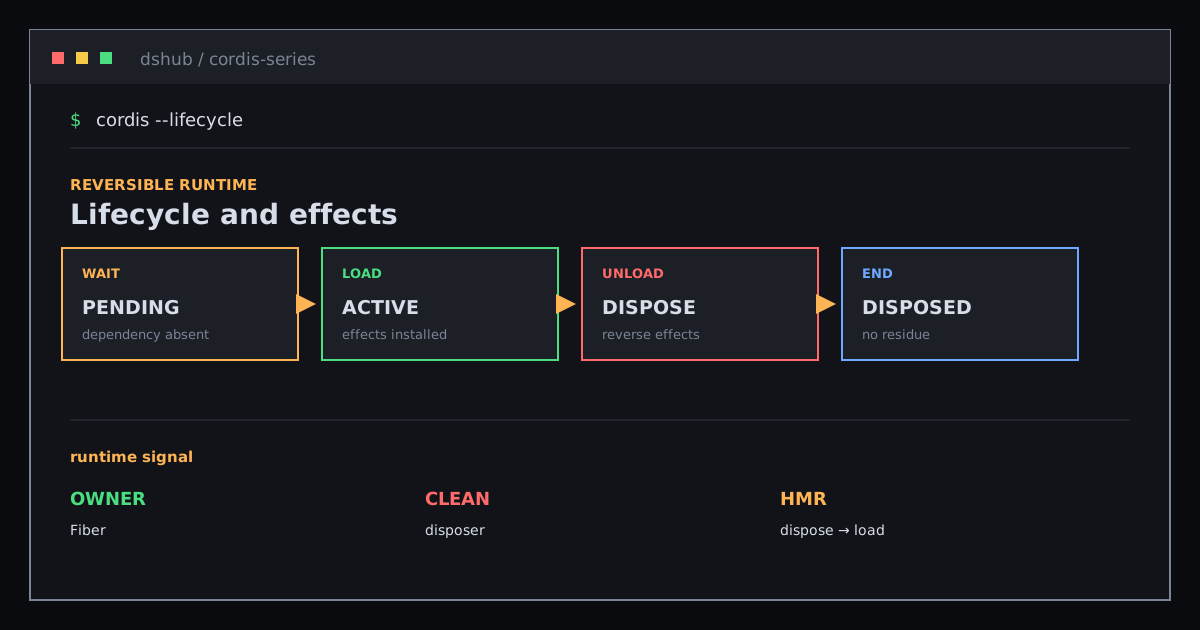
Follow a Fiber from PENDING to DISPOSED and see how effects, disposers, and HMR manage plugin side effects together.
Events: Let Plugins Cooperate Without Knowing Who Listens
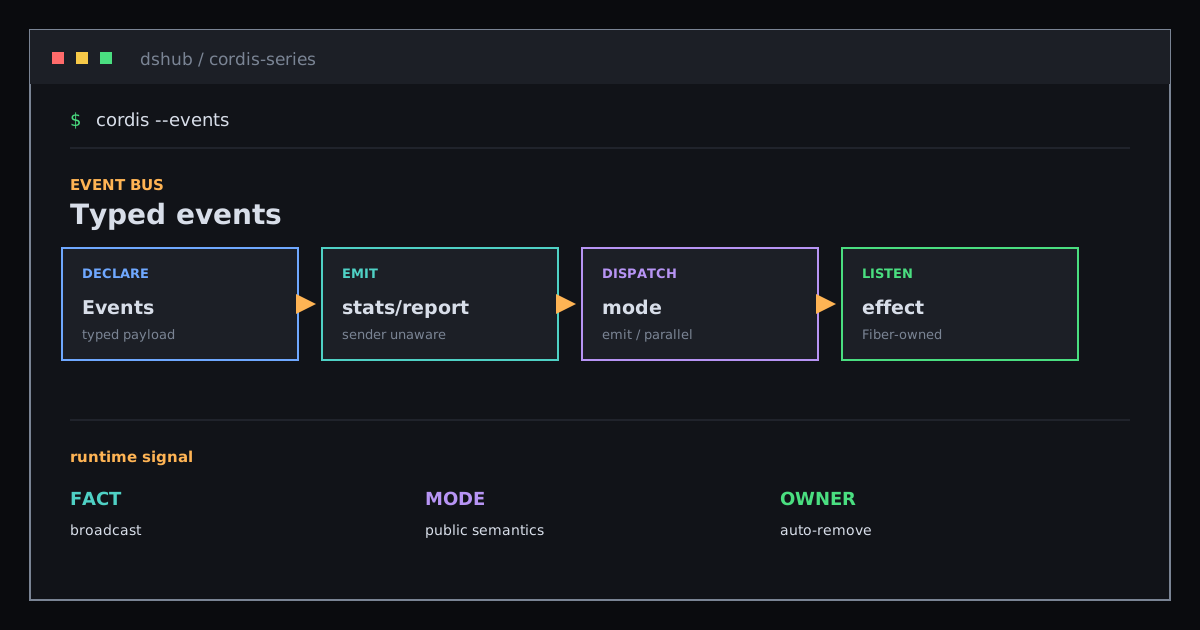
Use typed events and five dispatch modes to understand how Cordis broadcasts facts, runs listeners concurrently, or hands over decisions.
Newsletter
Join the community
Subscribe to our newsletter for the latest news and updates