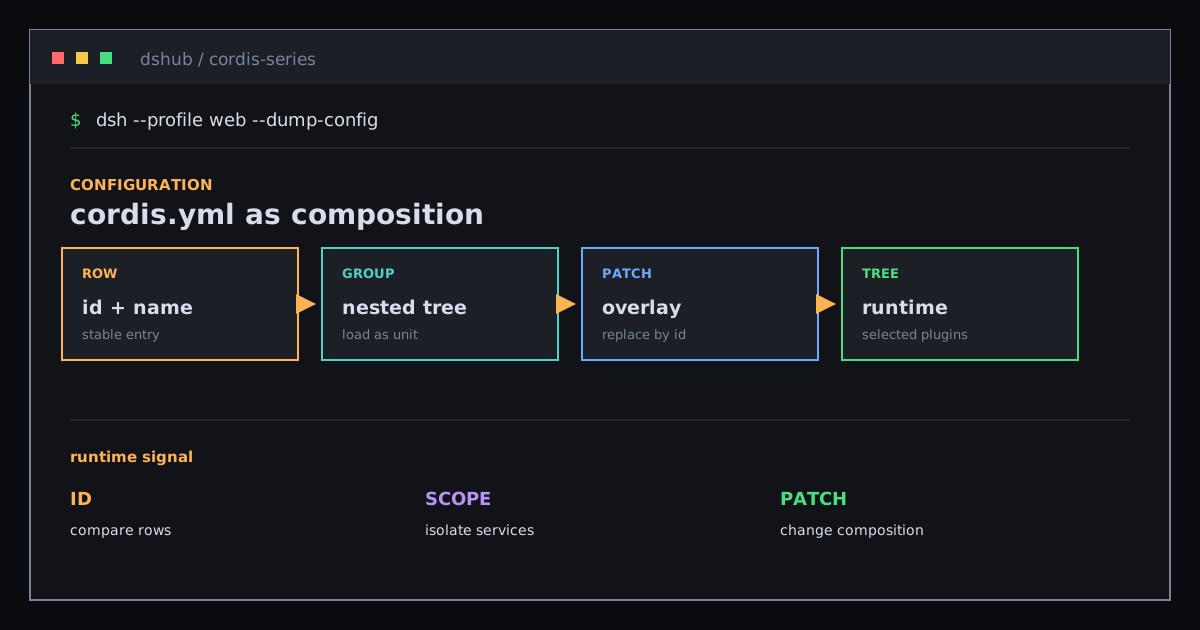
cordis.yml: Turn Plugin Rows into a Mutable Application Composition
Understand Cordis entries, stable ids, groups, isolation, and patch layers as one runtime configuration tree.
The main idea: cordis.yml is not a startup script executed from top to bottom. It is a plugin configuration tree that profiles and overlays can modify.
With only name, the file looks like a module list. Add id, config, disabled, and nested groups, and it describes a comparable, replaceable, partially reloadable runtime composition.
01 / What one configuration entry contains
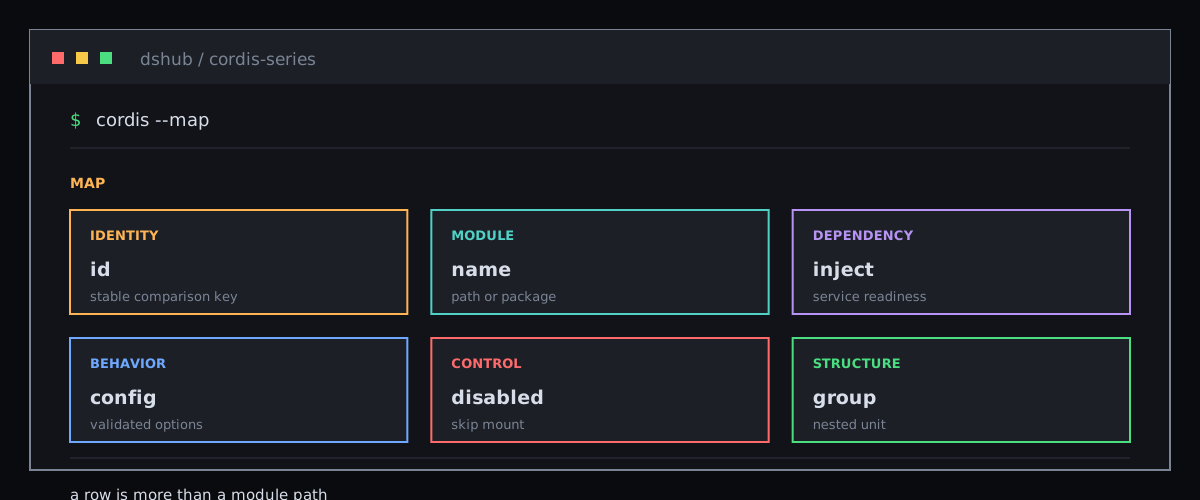
A typical entry looks like this:
- id: shell
  name: '@deepseek-ai/dsh-shell-local'
  config:
    cwd: '/workspace'
  inject: ['subprocess']
The fields have different responsibilities:
| Field | Responsibility | Meaning when it changes |
|---|---|---|
id | Stable identity | Loader can compare the same row across versions |
name | Module or package specifier | Selects the plugin entry point |
config | Plugin options | Validated before apply receives them |
inject | Service dependencies | Mount waits for readiness |
disabled | Keep the row but skip mounting | Changing it back can reload the plugin |
Row order is not startup order. Plugins may start concurrently; inject expresses dependencies.
02 / id is the HMR anchor
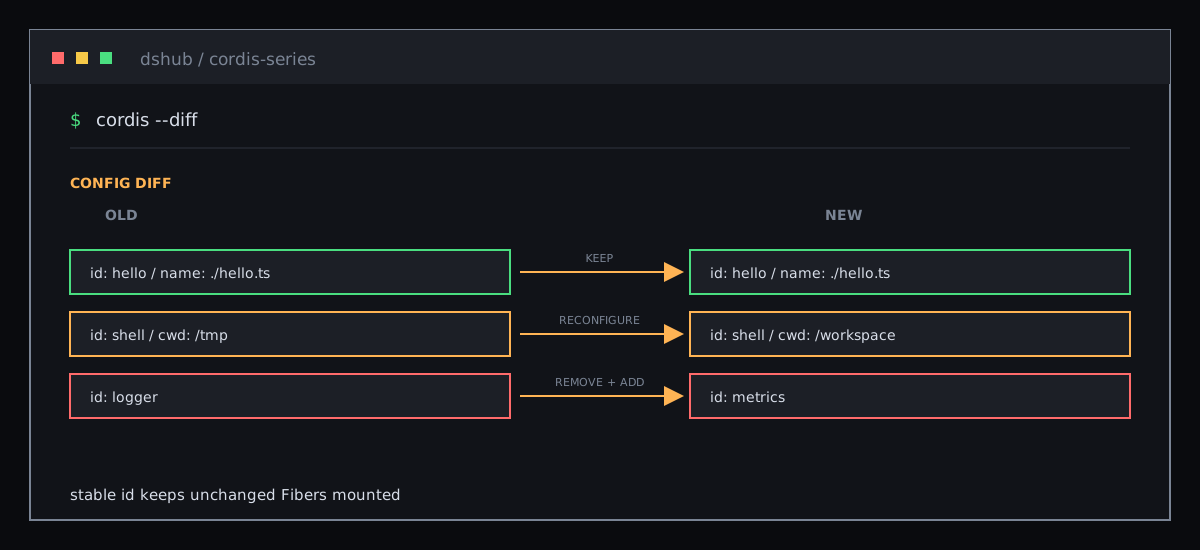
When the configuration file refreshes, Loader must tell unchanged entries from changed ones. An explicit id matches the new row with the old one, so unchanged Fibers can remain mounted.
Without id, Loader generates a new identity for the row. Editing another line can then make the anonymous row look like “delete, then add”, causing an unnecessary remount.
The field is not YAML decoration. It is the stable comparison key for a configuration diff.
03 / group makes several plugins one unit
- id: sandbox-tools
  name: '@deepseek-ai/cordis-plugin-group'
  group: true
  isolate:
    shell: true
  config:
    - id: fs
      name: '@deepseek-ai/dsh-fs'
    - id: shell
      name: '@deepseek-ai/dsh-shell-local'
group nests entries and loads or unloads them as one unit. It is useful when one capability consists of a provider, consumers, and supporting listeners that should enter and leave together.
isolate changes the service scope. Two groups can each provide a service called shell; consumers inside a group resolve that group’s provider without rewriting the parent Context.
04 / Patch layers make composition replaceable
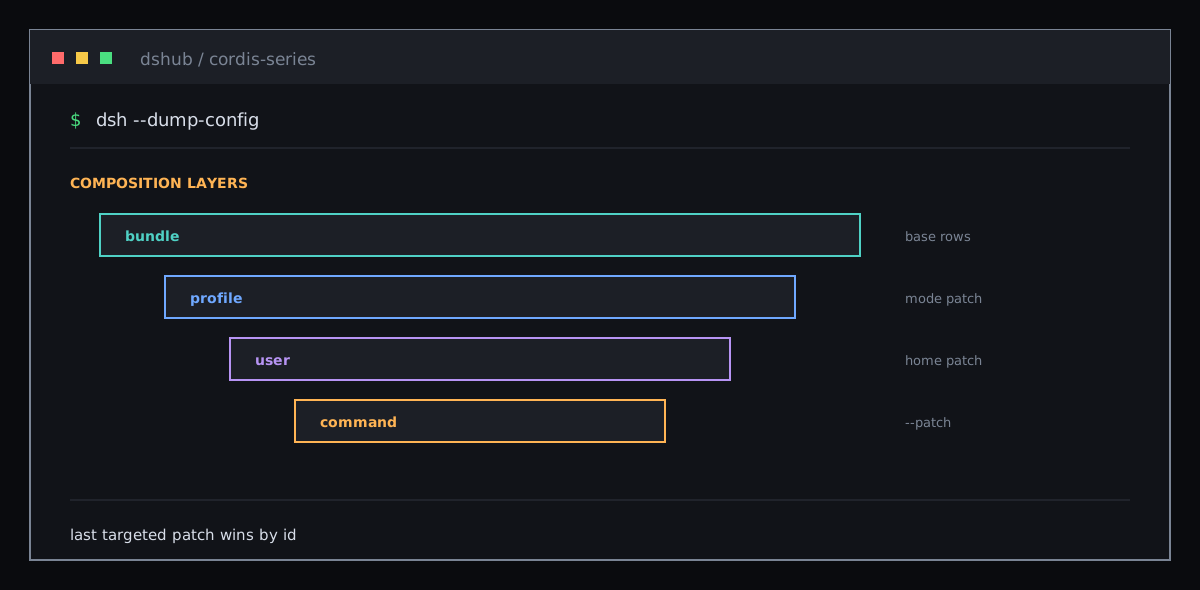
DeepSeek Harness bundles insert rows into an empty list. A profile patch, the user patch, and a command-line overlay then modify the tree. A patch targets a row by id and replaces its whole config, or inserts new rows. This replacement is not a deep merge; fields that must remain need to be written again in the patch.
Inspect the composition that the machine will boot with:
dsh --profile web --dump-configThis keeps deployment choice in the composition layer. One consumer can use different providers in different profiles without changing its source.
05 / Read configuration in three layers
- Entry layer:
nameandidselect and identify the mount. - Dependency layer:
injectnames the services it needs. - Behavior layer:
configselects options for this mount; the schema validates them beforeapply.
This repository’s loader extension evaluates !!js only inside config and an entry’s disabled field. name, id, and inject stay static. Prefer overlays for environment selection instead of putting dynamic expressions into every metadata field.
Where to go next
- inject: Let Dependencies Decide Load Order
- Configuration: Options with Validation
- Composition and HMR
Sources: composition and HMR tutorial, Loader config types, and Harness architecture.
More Posts
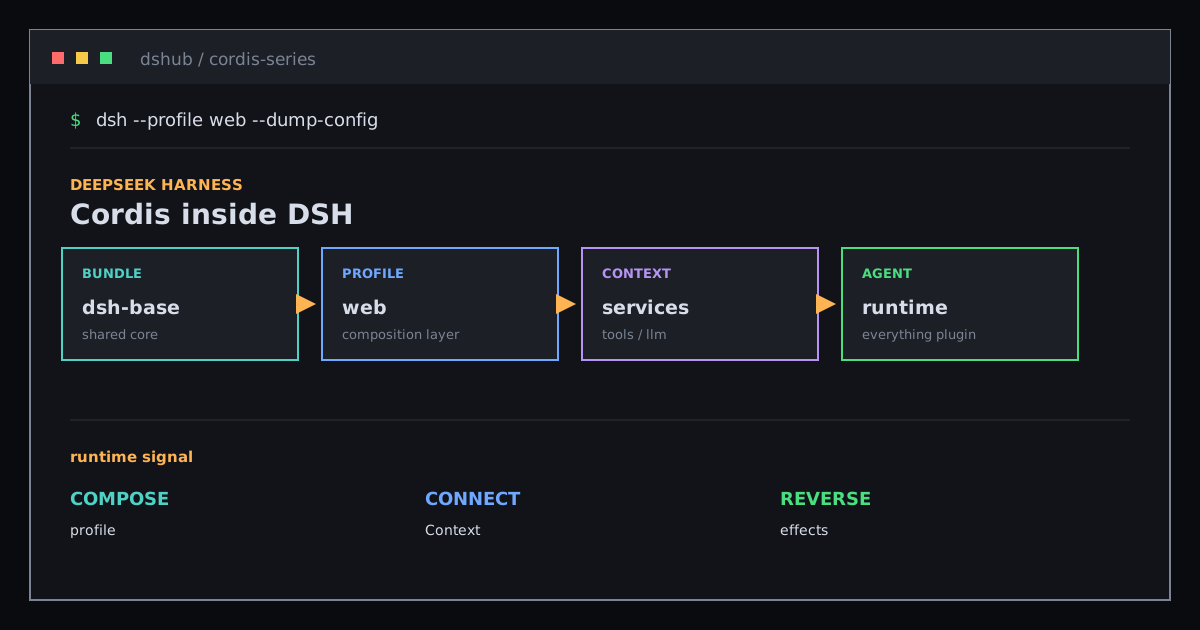
Cordis Inside DeepSeek Harness: Making Everything a Plugin
Trace dsh-base, Context services, event domains, and the tool pipeline to see how Cordis organizes a replaceable Agent runtime.

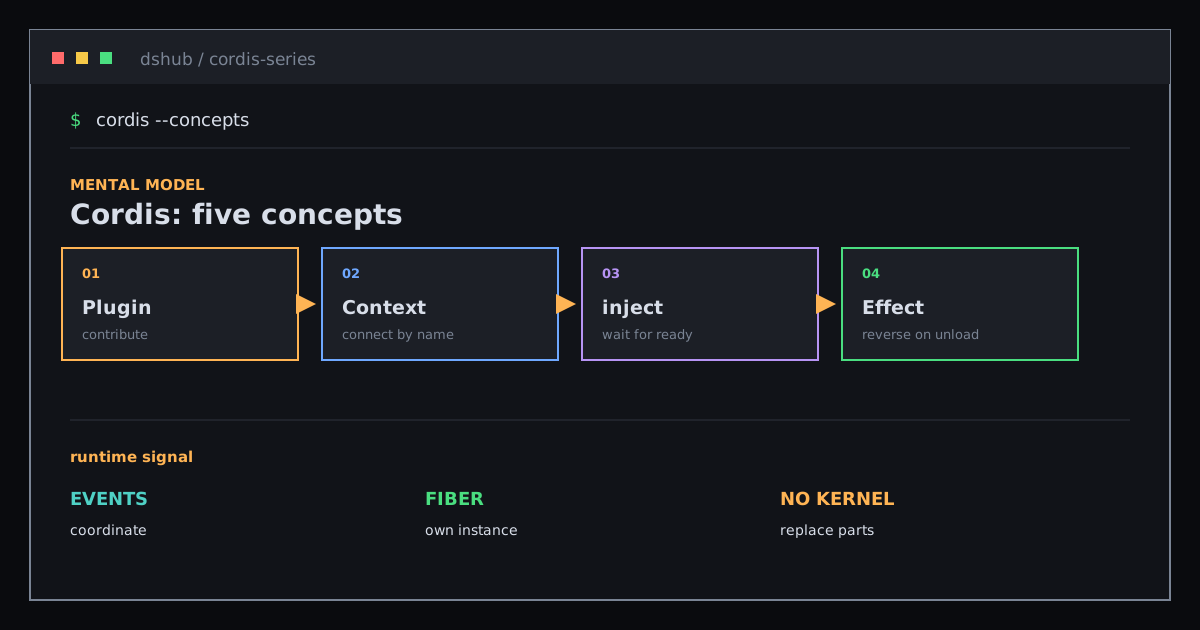
Cordis: Five Concepts for Reading a Plugin Tree
Build the smallest useful mental model of Cordis with Plugin, Context, inject, Events, and Effect.
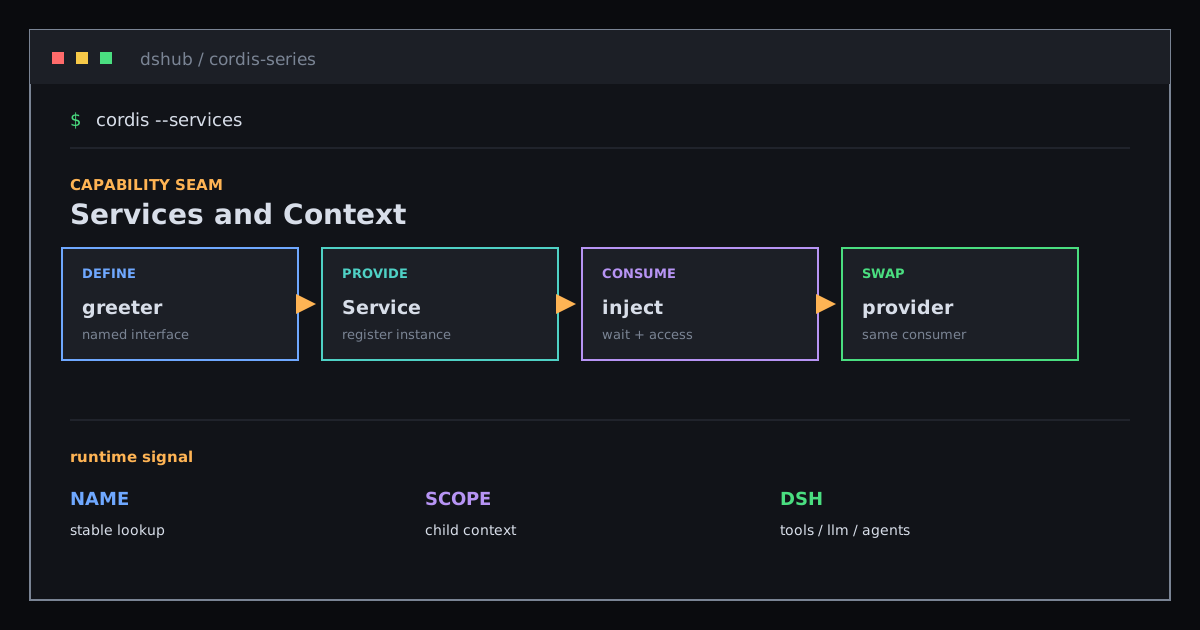
Services and Context: Share Capabilities Without Binding Implementations
Use Service, Context, and declaration merging to understand how providers, consumers, and scopes connect DeepSeek Harness capabilities.
Newsletter
Join the community
Subscribe to our newsletter for the latest news and updates