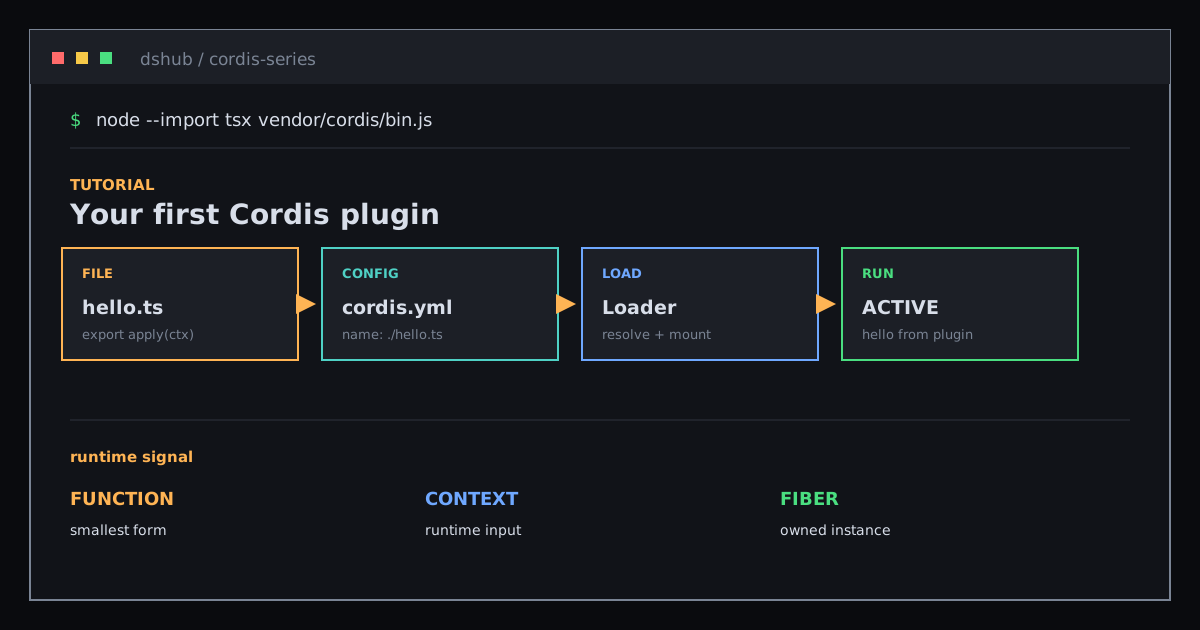
Hands-on: Write Your First Cordis Plugin with hello.ts
Run the shortest path from a function plugin and cordis.yml through Loader, Context, and Fiber.
Goal: create one tiny plugin, let Loader read cordis.yml, call apply(ctx), and see real output.
This article does not start with the full architecture. First make a plugin run, then inspect why these three lines are enough to enter the Cordis runtime.
01 / Create the plugin file
Create hello.ts in the tutorial’s temporary directory:
import type { Context } from '@deepseek-ai/cordis'

export const name = 'hello'

export function apply(ctx: Context) {
  console.log('hello from my first plugin')
}
name is display metadata used by diagnostics. The real entry point is apply(ctx): Loader imports the module and passes it the current Context.
02 / Compose it with cordis.yml
Create cordis.yml beside it:
- name: './hello.ts'The YAML file is a list of entries. Each name can be a relative path or package name; Loader mounts one plugin for each entry.
There is no application bootstrap code in this file. The plugin describes its contribution, while cordis.yml chooses which contributions enter this run.
03 / Run it and inspect the result
From the tutorial directory in DeepSeek Harness, run:
node --import tsx ../../vendor/cordis/bin.jsExpected output:
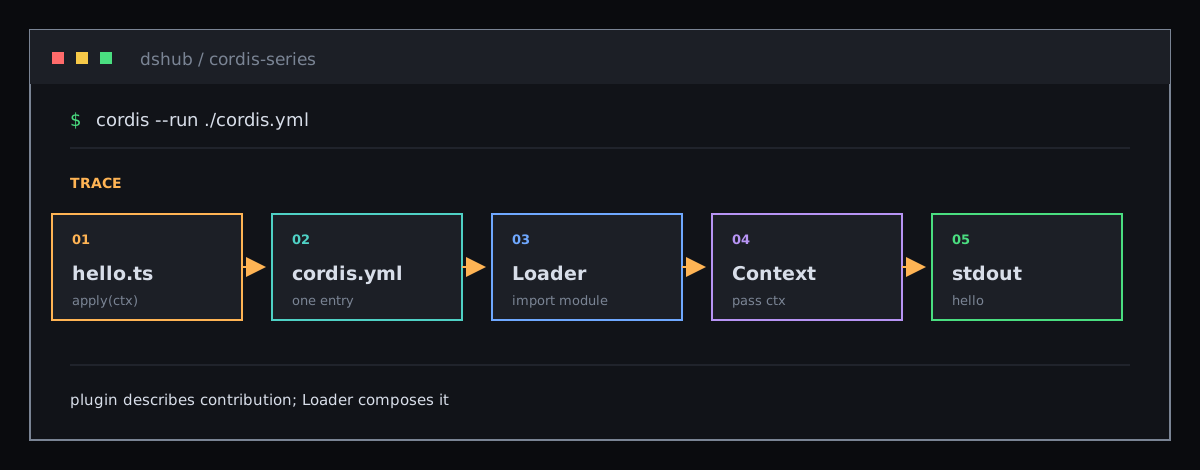
hello from my first pluginThe boot path is three steps:
- The single-file launcher creates a root Context and mounts Loader.
- Loader reads
cordis.ymland resolves./hello.ts. - Cordis calls
apply(ctx)and gives the plugin its Fiber lifecycle.
Entries may start concurrently; list position does not guarantee load order. If a plugin needs a service, declare inject instead of moving the row around.
04 / The other two plugin forms
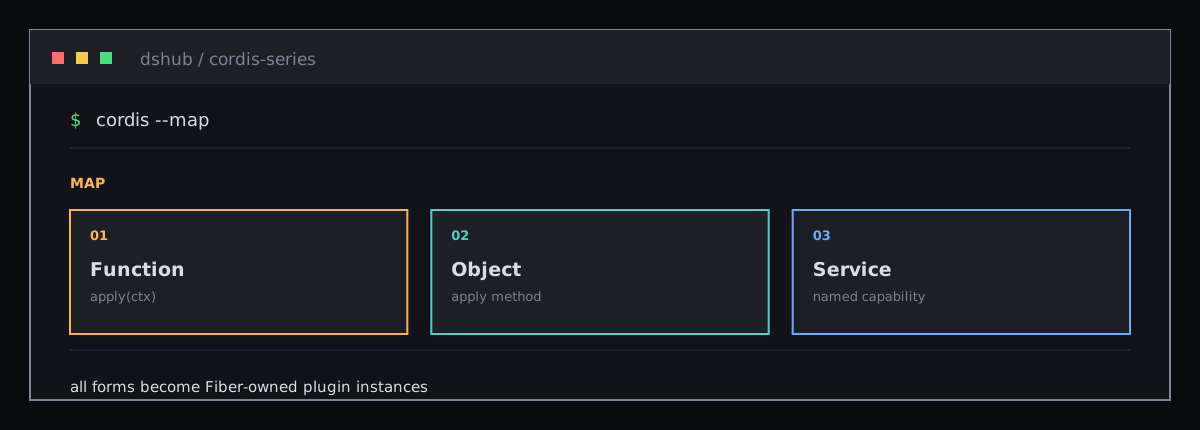
A function is the smallest entry. When a plugin exposes a named service, use a Service subclass:
import { Service, type Context } from '@deepseek-ai/cordis'

export class GreeterService extends Service {
  constructor(ctx: Context) {
    super(ctx, 'greeter')
  }
}

export const objectPlugin = {
  name: 'object-plugin',
  apply(ctx: Context) {},
}
All three forms are mounted by Cordis. When no service is exposed, prefer a function plugin and keep the entry small.
05 / What loading failures look like
If the module resolves but apply throws, plugin loading fails explicitly and the launcher exits with failure; Cordis does not silently skip it:
export function apply(ctx: Context) {
  throw new Error('apply exploded')
}
A different case is module-resolution failure, such as a misspelled file path or package name. Loader reports the import error through the logger before it creates the Fiber, so an unresolved module never becomes PENDING. During early boot, the message may appear before a console observer is active; check name first, then inspect PENDING only after the module can load and a dependency is missing.
06 / Why this matters to DSH
DeepSeek Harness bundles are also compositions of Cordis entries. Writing a DSH plugin means writing a Loader-compatible plugin and inserting it through a profile patch layer instead of modifying the central agent loop.
Next, turn a runnable function into a named capability that other plugins can consume: Services and Context.
Sources: first-plugin tutorial, tutorial launcher, and Loader entry config.
More Posts
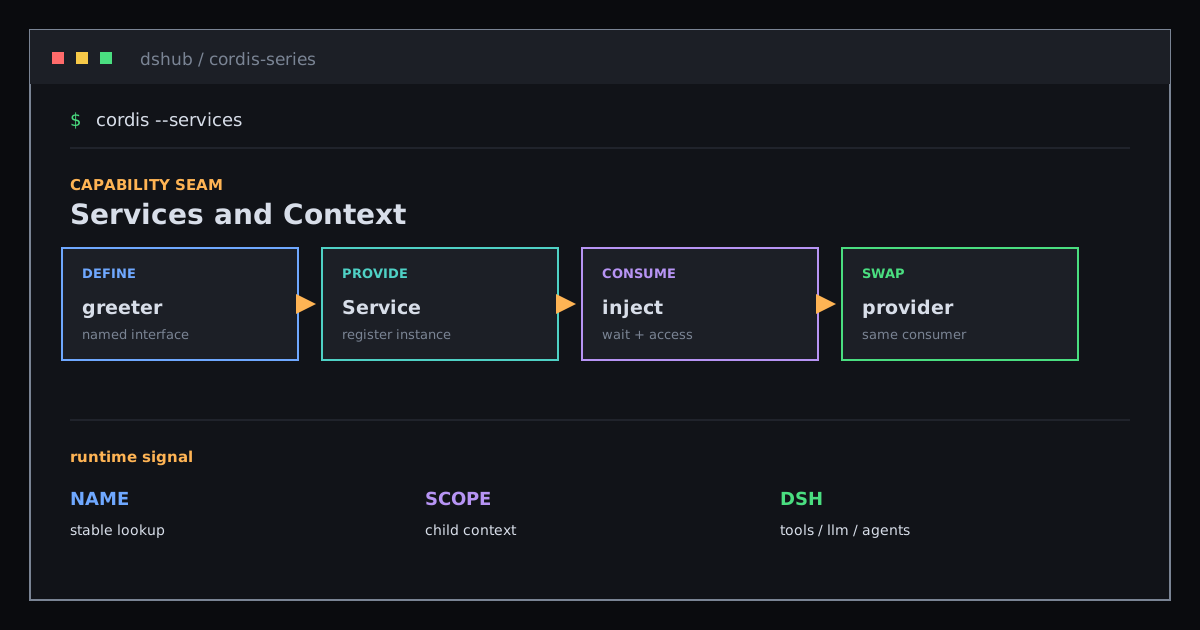
Services and Context: Share Capabilities Without Binding Implementations
Use Service, Context, and declaration merging to understand how providers, consumers, and scopes connect DeepSeek Harness capabilities.

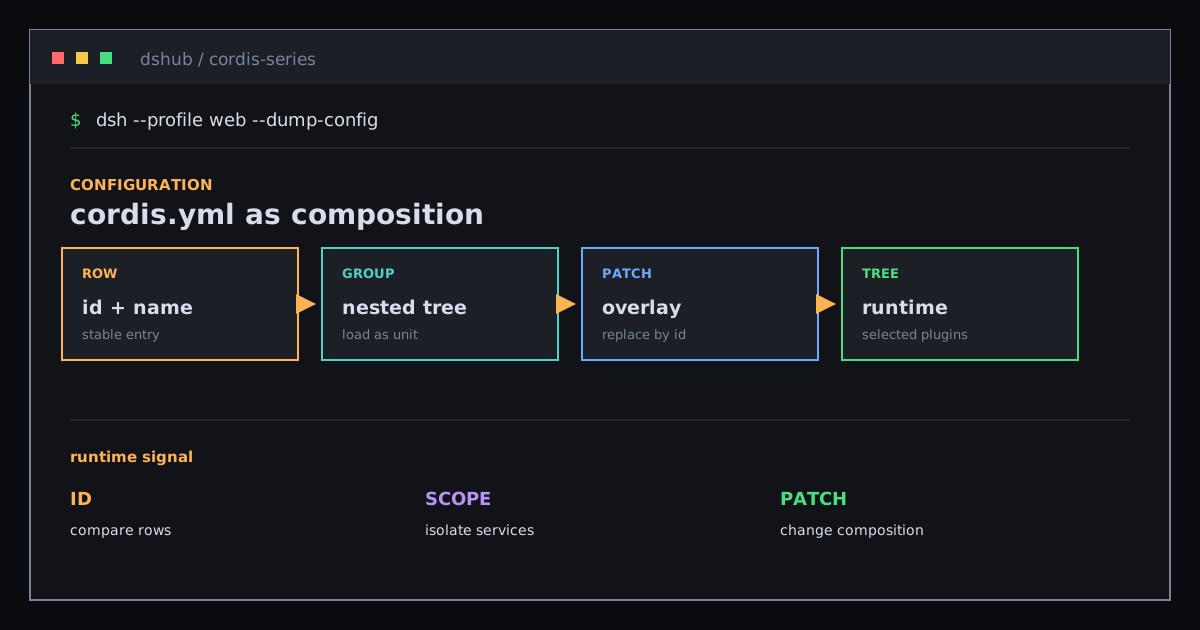
cordis.yml: Turn Plugin Rows into a Mutable Application Composition
Understand Cordis entries, stable ids, groups, isolation, and patch layers as one runtime configuration tree.
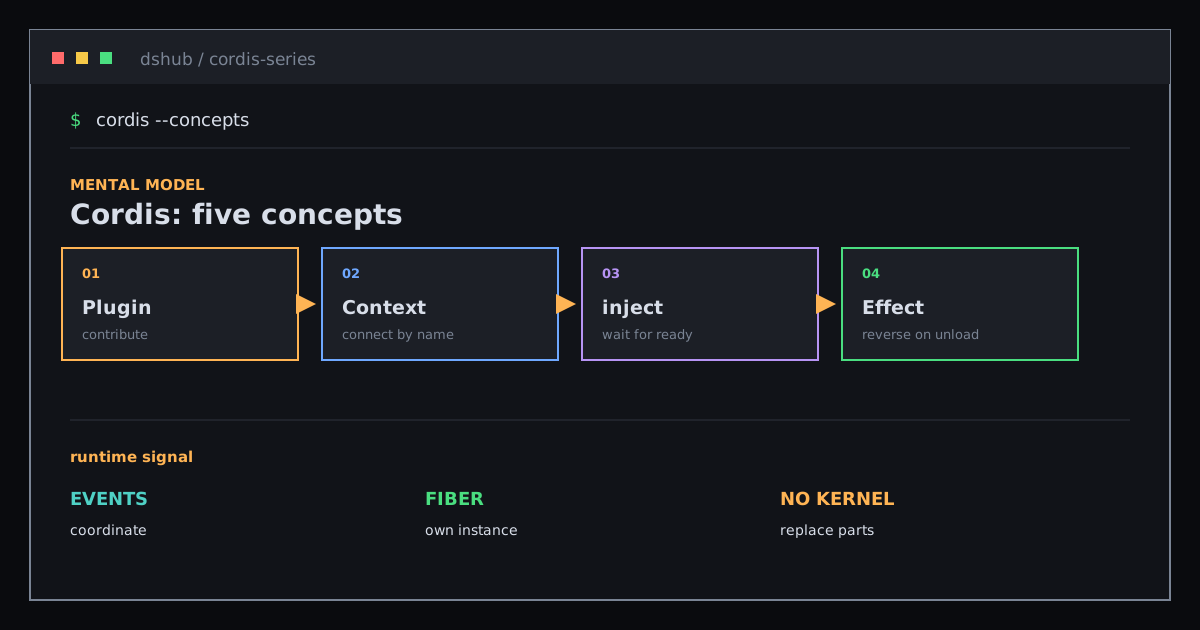
Cordis: Five Concepts for Reading a Plugin Tree
Build the smallest useful mental model of Cordis with Plugin, Context, inject, Events, and Effect.
Newsletter
Join the community
Subscribe to our newsletter for the latest news and updates